
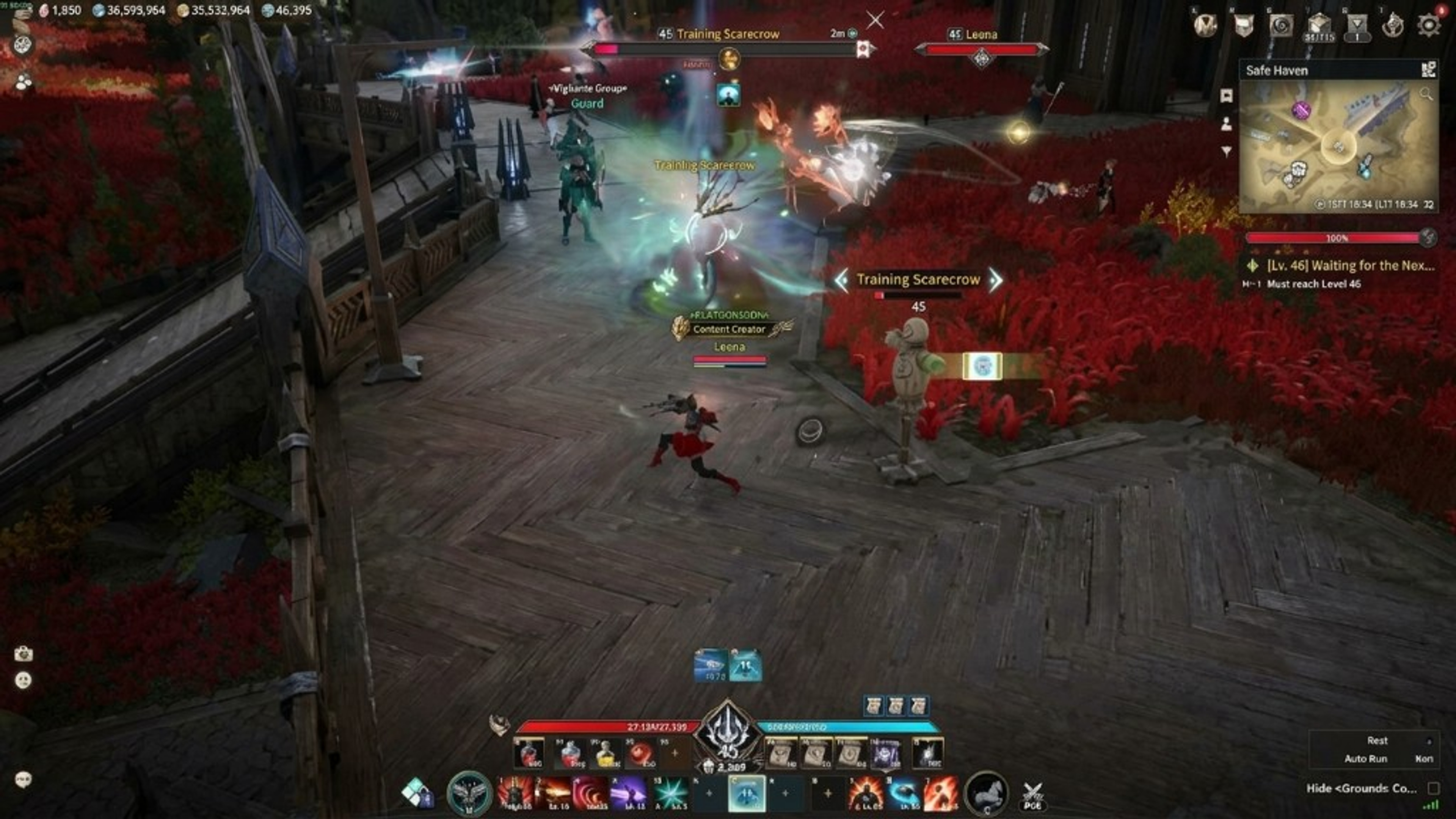
Aion 2 hacks: modules to review before checkout
Review Aion 2 hacks, listed overlays, and weekly, monthly, and lifetime plans before you play on Windows PC.
Aion 2 is an MMORPG published by NCSOFT for Windows PC. Players explore zones, complete quest chains, fight mobs, and join PvP when the game rules allow it. Searches for Aion 2 hacks usually start on the store page, the features page, and the status page because those three URLs describe what you can review before checkout. This guide maps listed modules to that workflow without promising live compatibility after every patch.
Before you buy Aion 2 hacks, read overlays on the features page, Windows notes on setup, and the current status page. Treat third-party screenshots as marketing until they match store copy. A new class balance note from NCSOFT does not add a cheat module by itself. Weekly, monthly, and lifetime plans change duration, not the public feature list on aion2hacks.org.
Most buyers begin with information overlays: player ESP, target labels, radar, and optional aimbot when listed. Those modules answer who is nearby, what you are targeting, and where local threats sit on the map. In crowded hunting grounds or shared PvP areas, a short-range profile is easier to read than enabling every toggle at once.
What is listed
Player ESP is the layer people mean when they search wallhack in an MMO context. It can include box, skeleton, health, name, and distance labels for other characters. Target and NPC ESP adds context for the mob or player you selected. Item and map cues appear only when the vendor listing includes them—this site does not invent loot or quest automation.
Treat combat modules as optional. Aimbot, aim assist, silent aim, and triggerbot may appear on the listing, but farming bots and movement macros do not. If you only want awareness, leave combat toggles off until you confirm status and accept the extra risk combat options add in PvE or PvP.
The current vendor listing targets the official Aion 2 PC client on Windows 10 and 11. Do not assume the same access works on unsupported platforms. Use the Windows PC setup guide for first-run order. Cloud DMA and HWID Spoofer are related extras that run with Aion 2 Hacks on the same machine when you choose to add them.
Plans and compatibility
Aion 2 Hacks lists three USD plans on the store: Weekly at $15 (P7D), Monthly at $35 (P30D), and Lifetime at $150 (P99Y). Feature lists match across plans; duration and price differ. Read weekly, monthly, and lifetime if you need a side-by-side, or the reviews checklist for evaluation points without invented testimonials.
NCSOFT publishes Aion 2 and operates security systems for the live client. aion2hacks.org is not affiliated with or endorsed by NCSOFT. Anti-cheat labels are unverified compatibility context, not bypass promises. After any client update, treat overlay compatibility as unknown until the status page says otherwise.
A conservative first session means finishing checkout, keeping your order email, and following vendor notes for the official client. Enable a short-range player ESP profile first. Add radar only if you still want compact local cues. Add target ESP when you need mob context. Leave aimbot off until the information stack is readable, then save the profile.
First-run notes
If the overlay feels noisy, disable skeleton ESP or distance labels before adding more modules. A quiet HUD is easier to play with than a full dump. The preview gallery shows how layers look in screenshots when you want visual reference before tuning sliders.
This overview does not promise permanent compatibility, ranked safety, or console support. It does not advertise undetected status. When you are ready to compare access length, open the store. When you are ready to install, open setup and status. Related reading: player ESP, aimbot notes, compatibility context, and plan comparison.
This overview does not promise permanent compatibility, ranked safety, or console support. It does not advertise undetected status. When you are ready to compare access length, open the store. When you are ready to install, open setup and status. Related reading: player ESP, aimbot notes, compatibility context, and plan comparison.
If the overlay feels noisy, disable skeleton ESP or distance labels before adding more modules. A quiet HUD is easier to play with than a full dump. The preview gallery shows how layers look in screenshots when you want visual reference before tuning sliders.
A conservative first session means finishing checkout, keeping your order email, and following vendor notes for the official client. Enable a short-range player ESP profile first. Add radar only if you still want compact local cues. Add target ESP when you need mob context. Leave aimbot off until the information stack is readable, then save the profile.
NCSOFT publishes Aion 2 and operates security systems for the live client. aion2hacks.org is not affiliated with or endorsed by NCSOFT. Anti-cheat labels are unverified compatibility context, not bypass promises. After any client update, treat overlay compatibility as unknown until the status page says otherwise.
Aion 2 Hacks lists three USD plans on the store: Weekly at $15 (P7D), Monthly at $35 (P30D), and Lifetime at $150 (P99Y). Feature lists match across plans; duration and price differ. Read weekly, monthly, and lifetime if you need a side-by-side, or the reviews checklist for evaluation points without invented testimonials.
The current vendor listing targets the official Aion 2 PC client on Windows 10 and 11. Do not assume the same access works on unsupported platforms. Use the Windows PC setup guide for first-run order. Cloud DMA and HWID Spoofer are related extras that run with Aion 2 Hacks on the same machine when you choose to add them.
Treat combat modules as optional. Aimbot, aim assist, silent aim, and triggerbot may appear on the listing, but farming bots and movement macros do not. If you only want awareness, leave combat toggles off until you confirm status and accept the extra risk combat options add in PvE or PvP.